8 AI Tools Every UI/UX Designer Should Know
Apr 16, 2025
In the fast-moving world of UI/UX design, speed and creativity go hand-in-hand. And now, with AI-powered tools taking over repetitive tasks, designers are free to focus on what truly matters — solving problems, telling stories, and crafting meaningful user experiences.
Whether you're wireframing, prototyping, writing microcopy, or managing a design system, there’s likely an AI tool that can help you design smarter and faster.
Here are 8 of the best AI tools UI/UX designers are loving in 2025:
1. Figma AI (Built-In)
🎯 Best for: Quick layout suggestions, auto-generating UI elements
Figma has rolled out native AI features that make design faster and more intuitive than ever. With smart layer naming, content generation, and instant design variations, you can go from idea to mockup in minutes — without breaking your creative flow.
2. Uizard
🎯 Best for: Turning sketches into UI in seconds
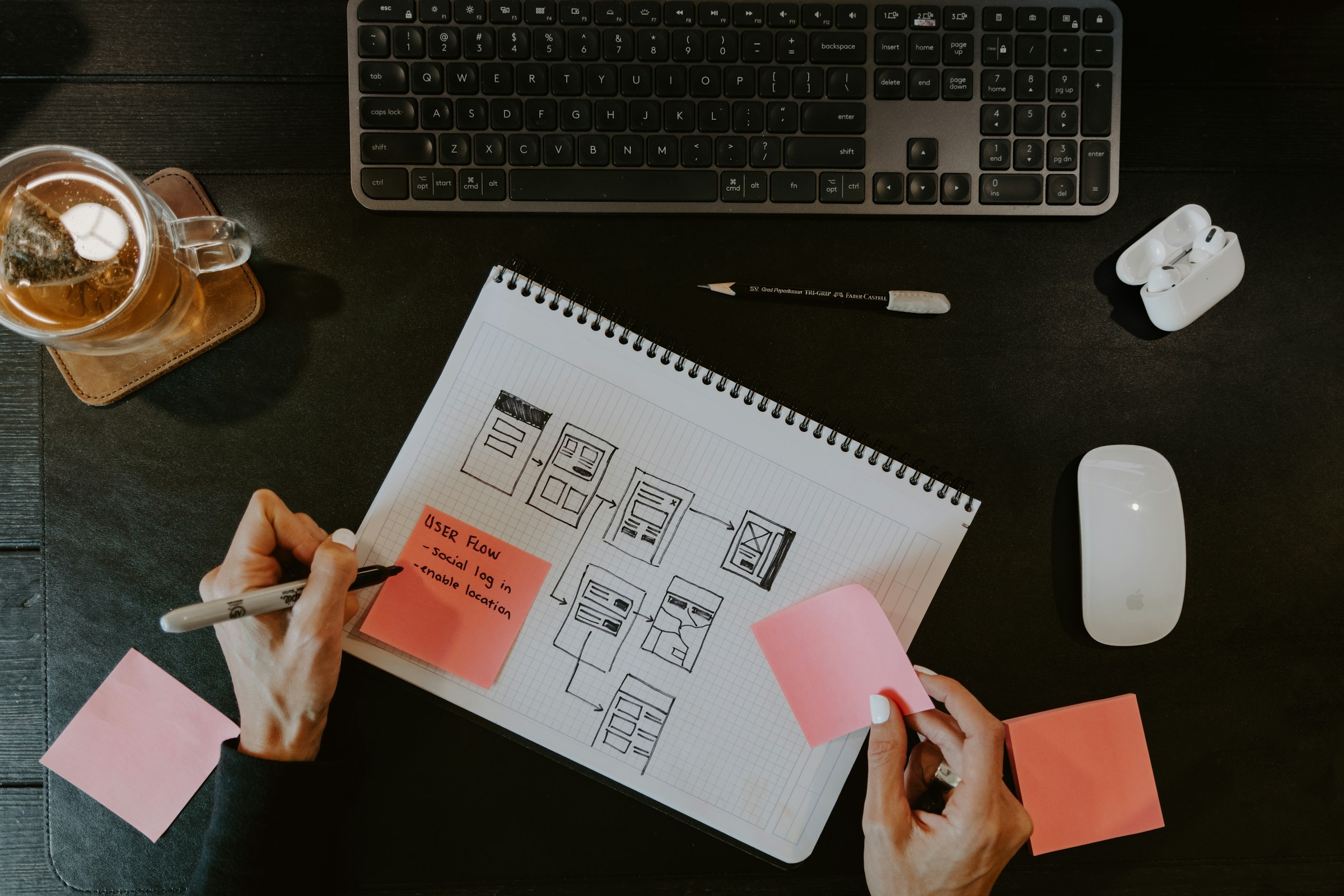
Uizard is a game-changer for early-stage design. Just upload a rough hand-drawn wireframe, and it magically turns it into a clean digital prototype. It also offers pre-built components, AI copywriting, and auto-style suggestions.
3. Galileo AI
🎯 Best for: Generating high-fidelity UI designs from text prompts
Type in “a login page for a finance app” — and Galileo creates a stunning, editable UI instantly. Perfect for moodboarding, fast prototyping, or impressing clients with quick concepts.
4. Relume Library + AI Site Builder
🎯 Best for: Building full website wireframes and content using prompts
Relume’s AI lets you generate full-page wireframes and copy with simple prompts. Combined with their huge component library, it’s an all-in-one builder for landing pages, dashboards, and more.
5. Magician (Figma Plugin)
🎯 Best for: Generating icons, illustrations, and copy — right inside Figma
Magician is like having a creative assistant inside Figma. It uses AI to generate placeholder copy, icons, and even small UI elements — all with a natural prompt-based interface.
6. Copy.ai or Jasper
🎯 Best for: Writing UX microcopy, onboarding messages, and content
Good UX is all about the words. These AI copy tools help you generate clear, friendly, and persuasive text for buttons, error messages, tooltips, and more — saving hours in content writing.
7. Khroma
🎯 Best for: AI-based color palette generation
Struggling with color combinations? Khroma uses AI to generate endless color schemes based on your preferences. It’s perfect for finding that unique visual identity without endless trial and error.
8. Attention Insight
🎯 Best for: Predicting user focus with AI-generated heatmaps
This tool uses machine learning to simulate how users would visually scan your design. It helps you validate layouts, CTA placements, and visual hierarchy before even going live.
Conclusion
AI isn’t here to replace designers — it’s here to empower them. By automating the repetitive and accelerating the creative, these tools allow you to work faster, iterate better, and focus on what truly matters: creating great experiences.
Try integrating one or two into your workflow and see the difference for yourself!